User accounts
Although it is possible to use SESAM as a guest, registering is completely free and comes with several advantages and less limitations when creating, simulating and analyzing scenarios.
Creating an account
Simply click on the Create an account button, located in the upper right corner on the SESAM landing page - or under the Guest menu (if testing a as a guest user).
A confirmation link will be sent to the provided email address.
Viewing and editing account details
To access all account related options and details, navigate to the account page, by clicking on the User dropdown menu in the top right corner and again on your username.
There are six tabs on the account page:
- Edit Profile
- Change Password
- Manage Plan
- View Invoices
- Monitor Usage
- Delete Account
View and edit your information in the Edit Profile section.
Note
To change your username or linked email address, send us a comment via the feedback form.
You may change or reset your password from within the Change Password section.
Deleting an account
This action cannot be undone, and all your files will be permanently deleted. Navigate to the Delete Account section in the account page. Enter your password to proceed.
Manage your plan
In the account settings of SESAM, users have the ability to manage their subscriptions, either subscribing to or canceling SESAM as needed (tab Manage Plan).
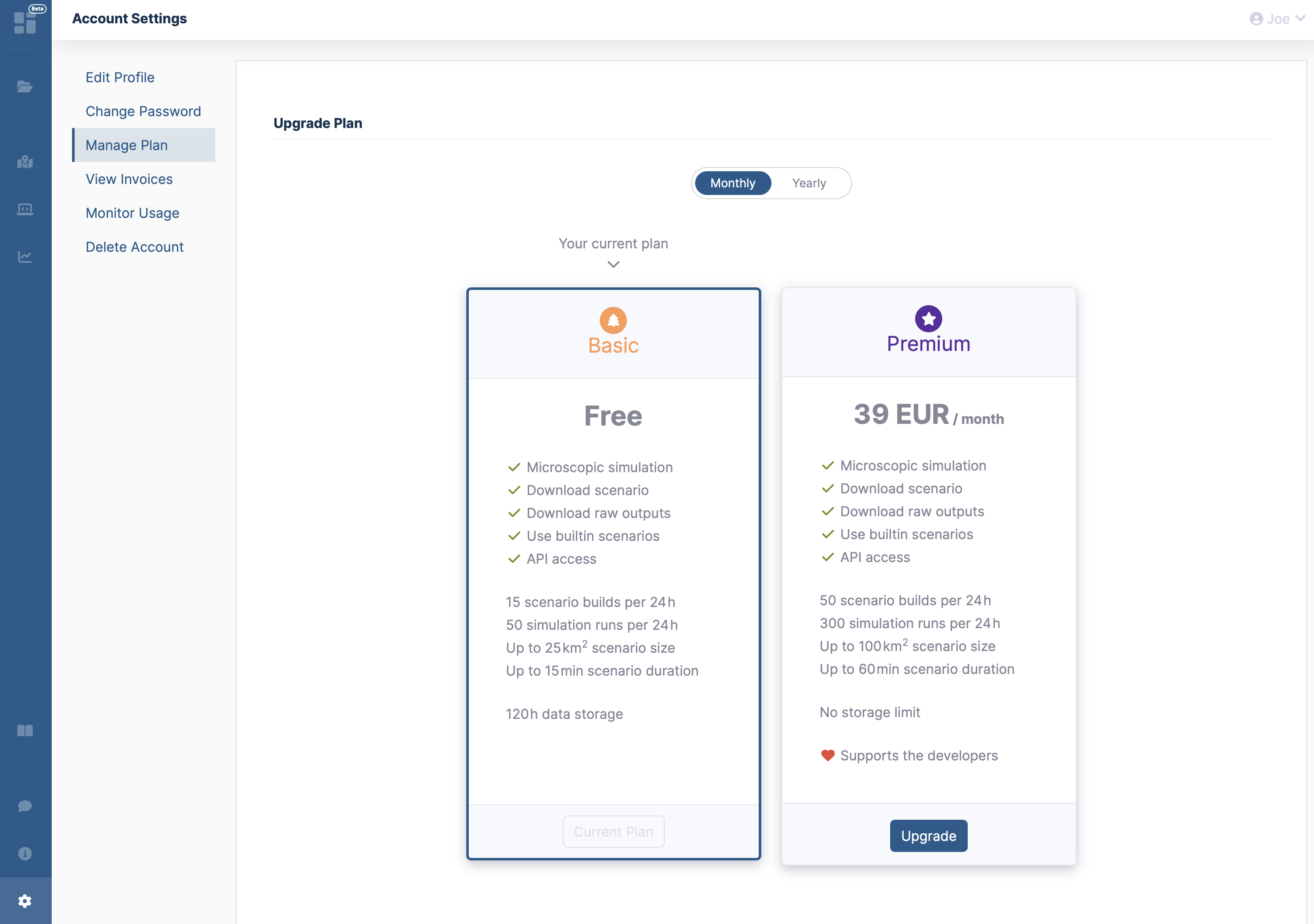
Additionally, users can view and download their invoices in PDF format for their records (tab View Invoices).
Monitor your usage
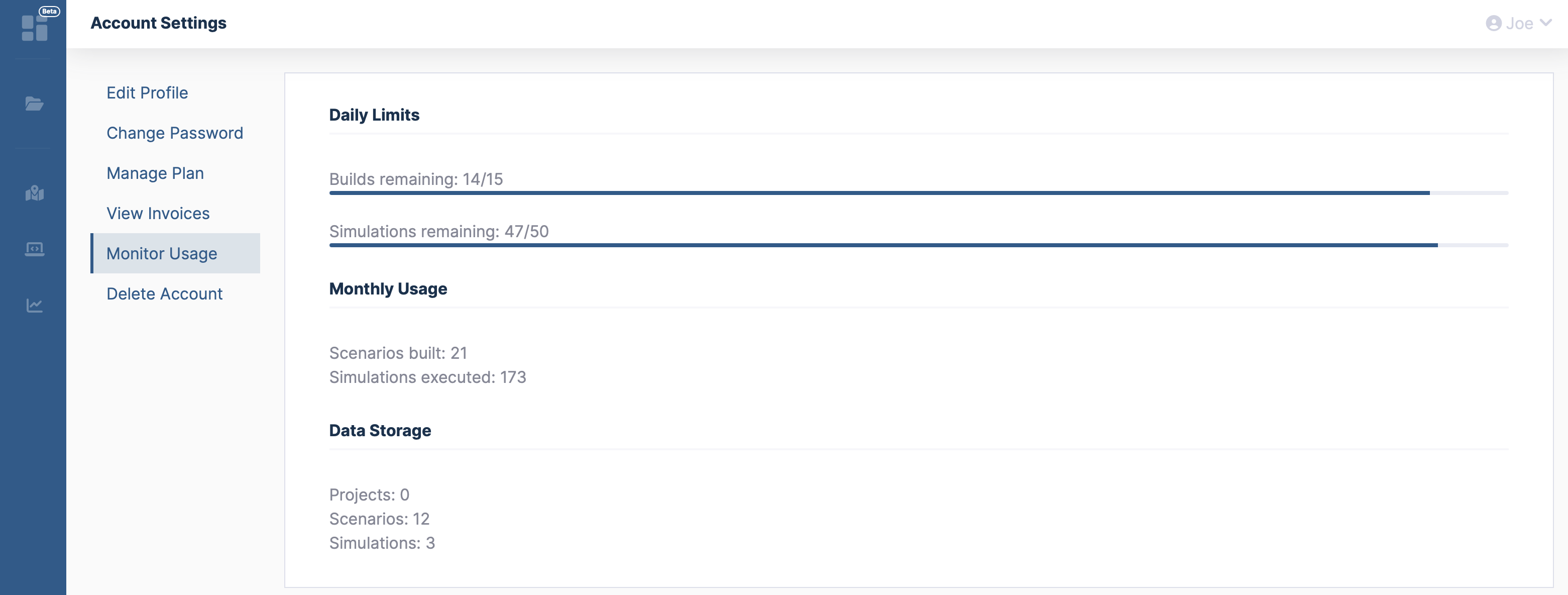
The Monitor Usage tab shows how many scenario creations and simulation runs you have left. Scenario creations are counted together for custom builds in the Builder, scenarios created from a template, and ZIP uploads; duplicating a scenario does not use them up. Both limits apply to a rolling 24-hour window: they cover the 24 hours before now, not a calendar day. Every use becomes available again exactly 24 hours after it was made, and runs or creations that fail are not counted. The tab also lists your usage in the current month and the number of stored projects, scenarios and simulations.
Guests and registered users
What you can do is decided by your plan. Guests always use the Starter plan, new registered accounts start with the free Basic plan, and the paid Premium plan raises the limits further.
| Guest (Starter) | Registered, free (Basic) | Premium | |
|---|---|---|---|
| Scenario creations per 24 hours | 5 | 30 | 100 |
| Simulation runs per 24 hours | 20 | 50 | 300 |
| Maximum scenario area (Builder) | 1 km² | 4 km² | 9 km² |
| Maximum scenario duration | 10 min | 15 min | 60 min |
| Storage time of scenarios and results | 24 hours | 5 days | unlimited |
| Upload of custom scenarios (ZIP) | – | up to 30 MB | up to 100 MB |
| Scenarios from templates | – | ✓ | ✓ |
| Scenario Editor | – | ✓ | ✓ |
| Download of raw simulation outputs | – | ✓ | ✓ |
| Projects | – | ✓ | ✓ |
| Access with the REST API, OAuth or MCP | – | ✓ | ✓ |
| Duplicate a scenario, download it as zip, microscopic simulation | ✓ | ✓ | ✓ |
Guests cannot use projects or the REST API (including OAuth and MCP clients), because both need a persistent account. Public sharing links for scenarios and simulations are reserved for a future release and not available yet. Guest scenarios and results are tied to the browser session and are deleted after 24 hours; create a free account to keep your work.