Dashboard
When starting SESAM, the dashboard is the first view that appears.
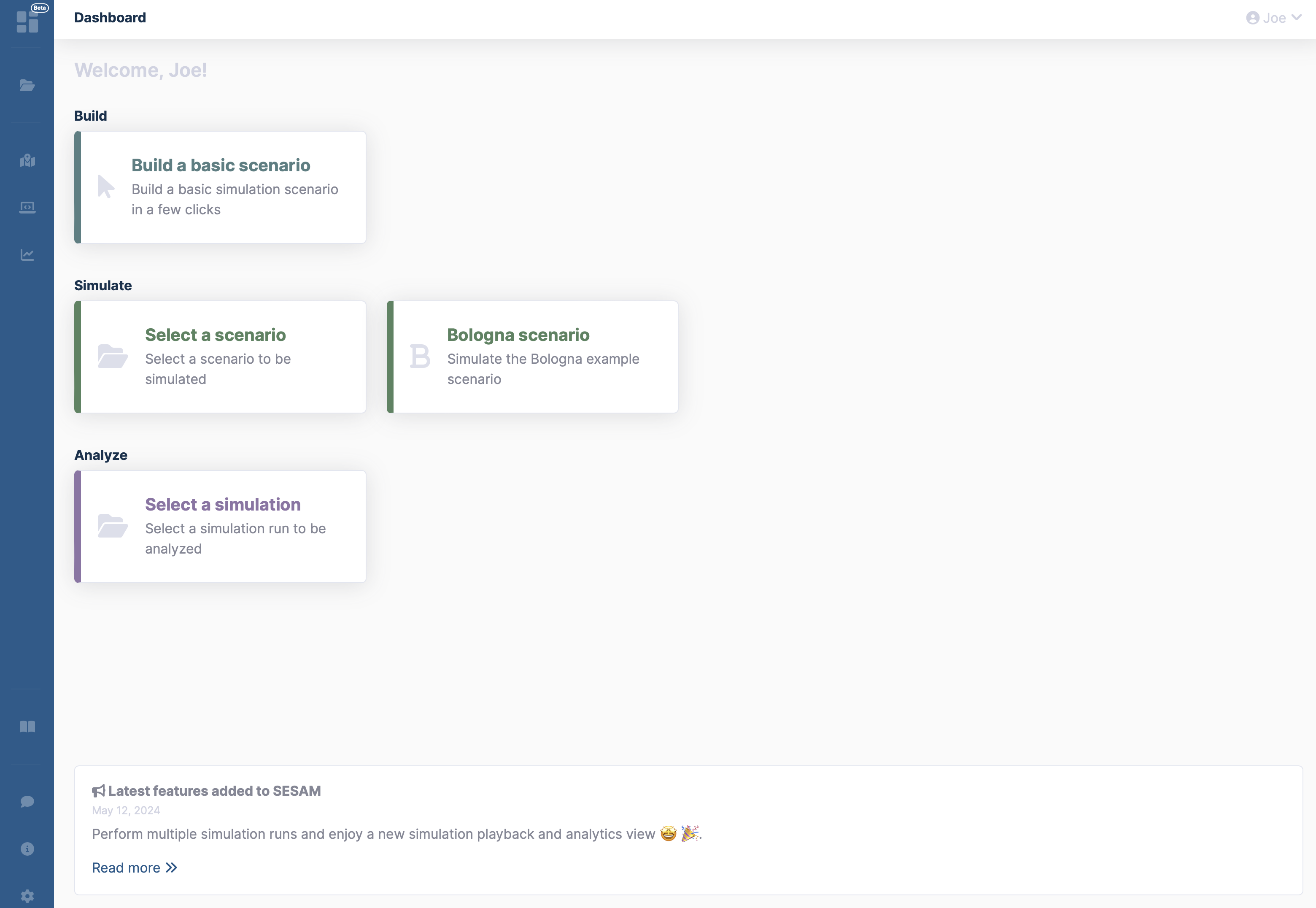
It provides shortcuts to create a new scenario or select existing scenarios for a simulation.
SESAM News
Clicking Read more on the Latest features added to SESAM card (at the end of the page) will open the SESAM News sidepanel.
SESAM News is a compilation of release notes for each update to the SESAM platform, listing the most important new features and changes.
Shortcuts
Shortcuts open common actions. Scenario template cards open the Builder template flow, where users whose plan includes scenario templates create a copy in their workspace before editing or simulating it.
| Shortcut | Description |
|---|---|
| B | Create a scenario |
| S | Select a scenario to be simulated |
| A | Select a simulation run to be analyzed |
| N | View the SESAM News (ChangeLog) |